Draw
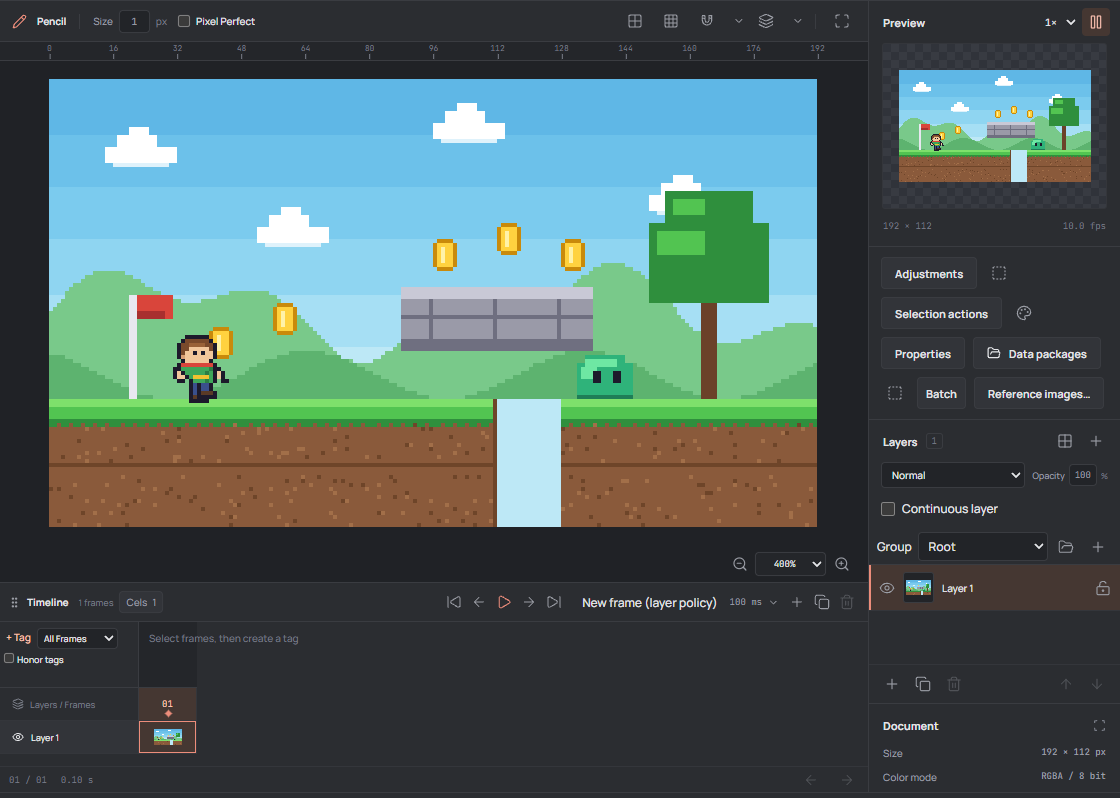
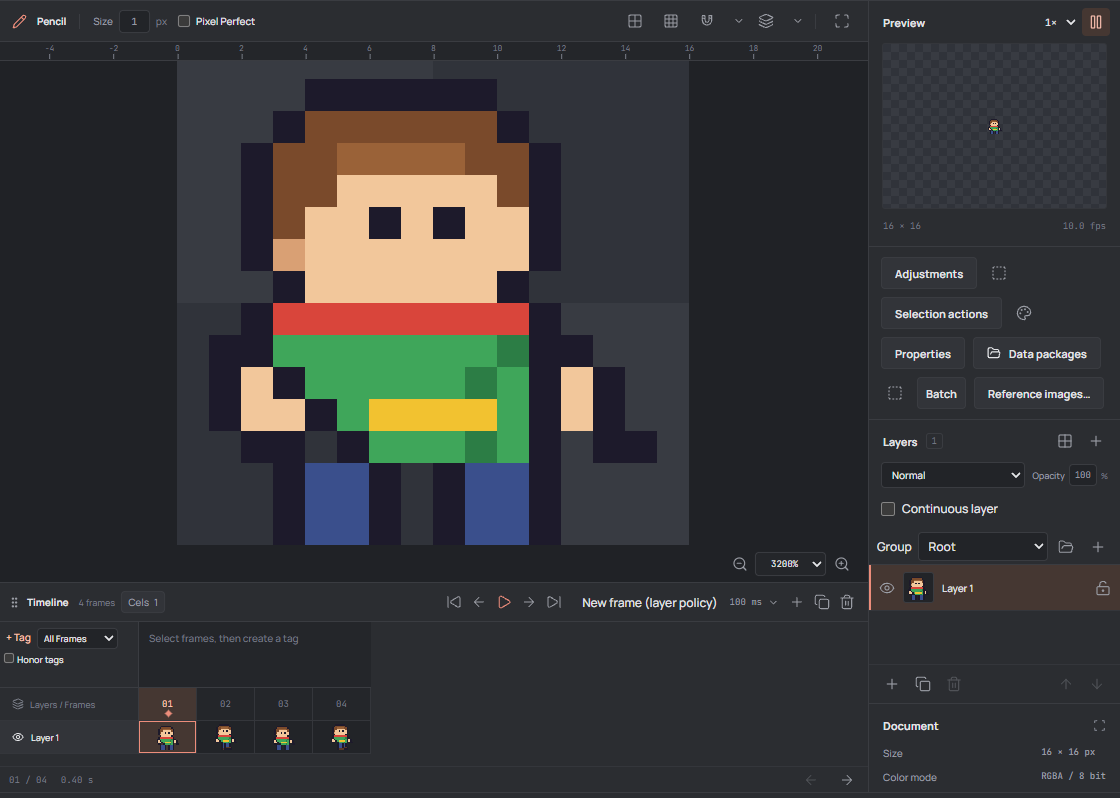
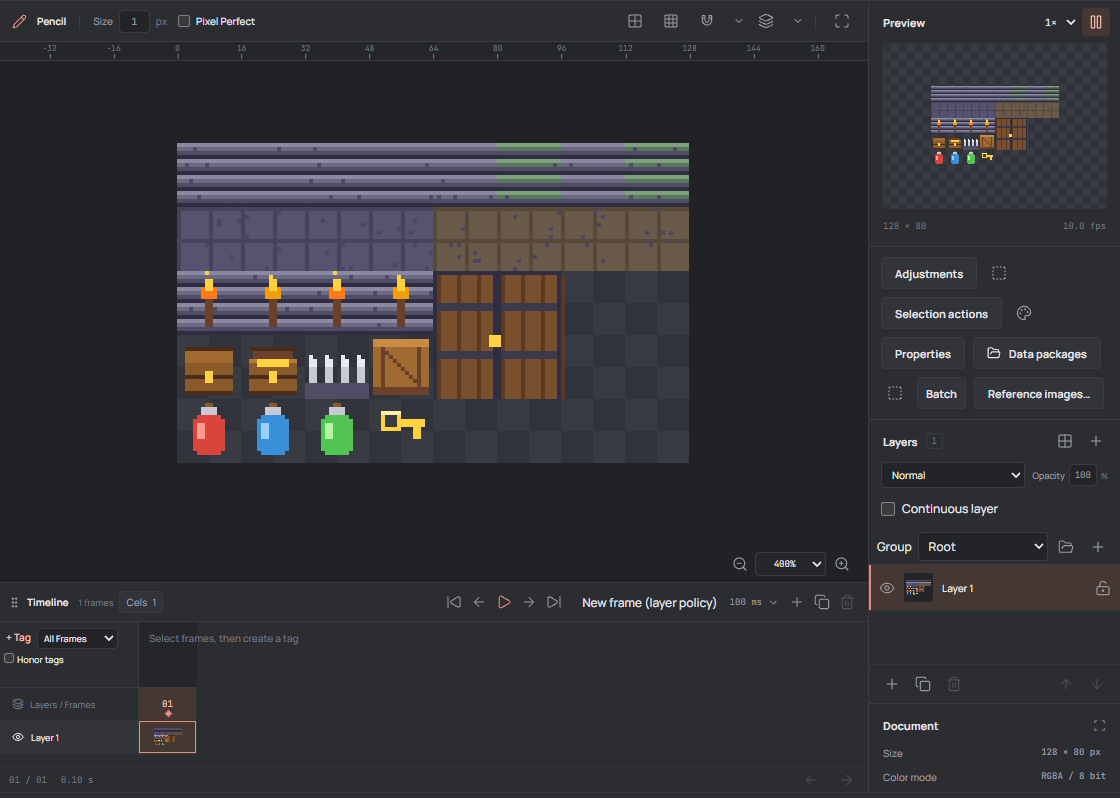
Pixel-precise tools for character sprites, tiles, items, and UI icons.
SpriteOpal is a free app for creating 2D game sprites and animations. Export PNG, GIF, or sprite sheets.
Pixel-precise tools for character sprites, tiles, items, and UI icons.
Frame timeline, animation tags, and onion skinning for walk cycles, attacks, and effects.
Layers, indexed palettes, and sprite sheet export for your game engine.
Yes. SpriteOpal is a local-first native desktop app. Your artwork stays on your computer, with no accounts, telemetry, or cloud services.
Character sprites, animations, tilesets, and other 2D game assets. Work with layers, indexed palettes, onion skinning, and animation tags, then export PNG, GIF, or sprite sheets.
You can import PNG and GIF images and keep editable projects in SpriteOpal’s own .opal format.
Use the Download button to download the Windows 64-bit installer directly from GitHub Releases.